Course Syllabus
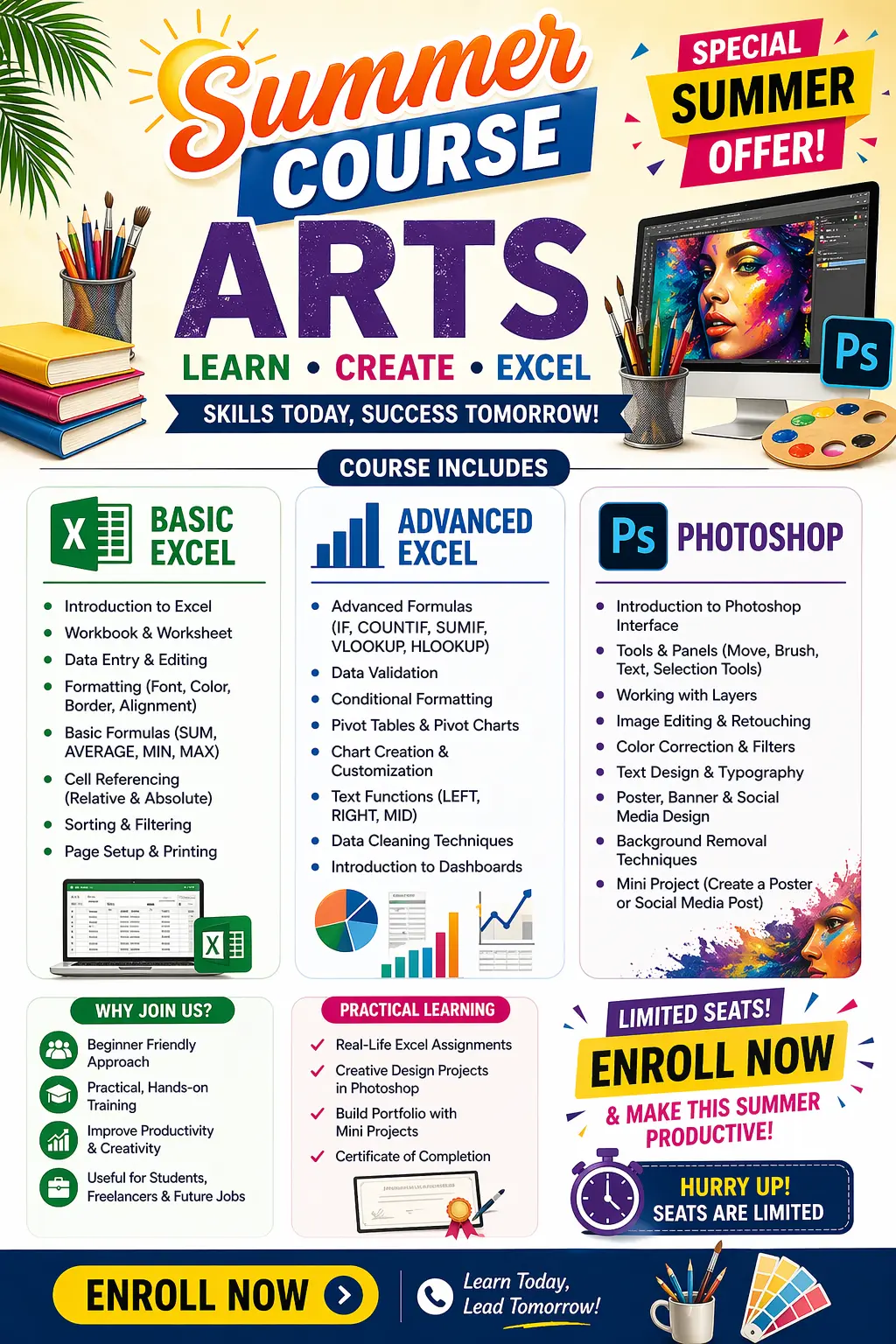
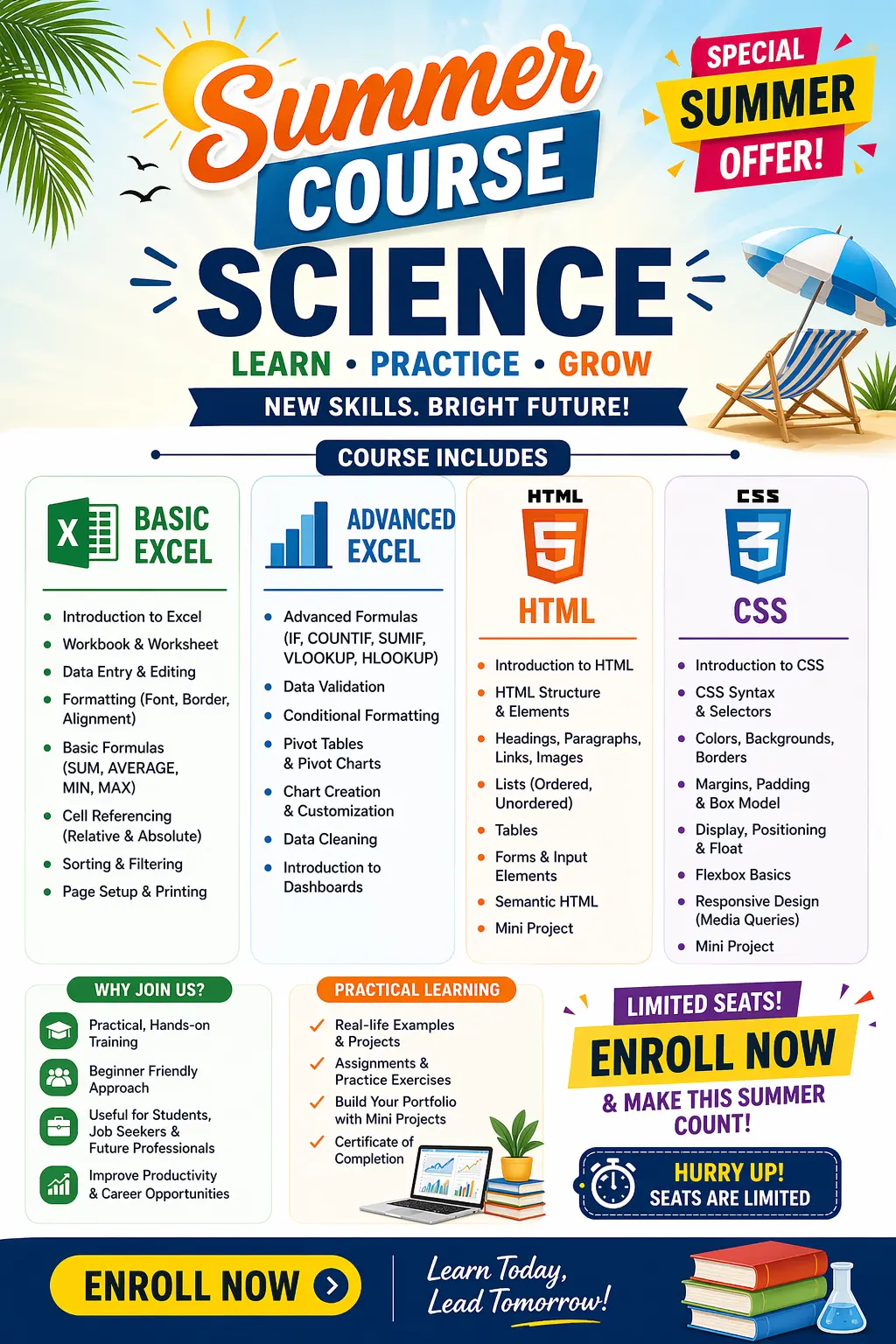
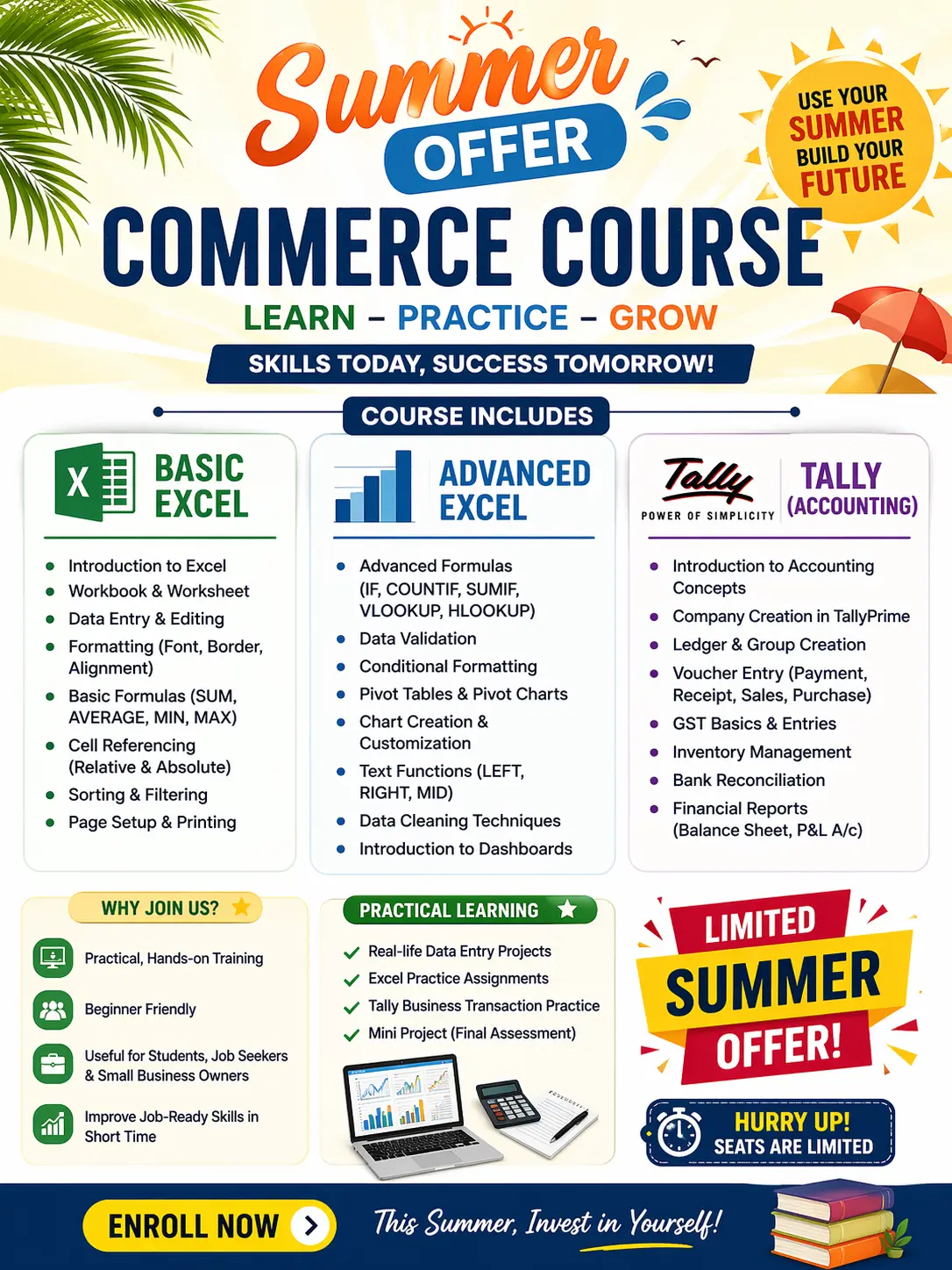
📚 Advanced Excel – Typical Course Content
Below is a comprehensive overview of modules and topics commonly included in an Advanced Excel training:
1. Excel Refresher & Interface Deep Dive
- Review Excel interface and navigation
- Workbook and worksheet management
- Keyboard shortcuts for efficiency
2. Advanced Formulas & Functions
- Nested and logical functions (IF, AND, OR, IFERROR)
- Lookup and reference functions (VLOOKUP, HLOOKUP, INDEX MATCH)
- Conditional and dynamic formulas
- Text, date, and financial functions
- (Goes beyond basic formula usage)
3. Data Management & Analysis Tools
- Sorting, filtering, and advanced filters
- Data validation and drop-downs
- What-If Analysis (Goal Seek, Scenario Manager)
- Consolidate, group, subtotals
4. PivotTables and PivotCharts
- Creating and customizing PivotTables
- Grouping data and summarizing information
- Generating PivotCharts for visualization
- Using slicers and timelines for interactive reporting
5. Advanced Formatting & Data Presentation
- Custom number formats
- Conditional formatting rules
- Designing professional charts and dashboards
6. Macros & Introduction to VBA
- Recording and running macros
- Automating repetitive tasks
- Basic VBA programming structures
- (Optional or intermediate level in some courses)
7. Data Visualization & Dashboarding
- Creating dynamic dashboards
- Using charts, sparklines, and combination visuals
- Linking visuals to data controls like slicers
8. Workbook Security & Sharing
- Protecting sheets and workbooks
- Managing shared workbooks
- Tracking changes and comments

 Bestseller