What you'll learn
📘 Tally Prime – Course Description
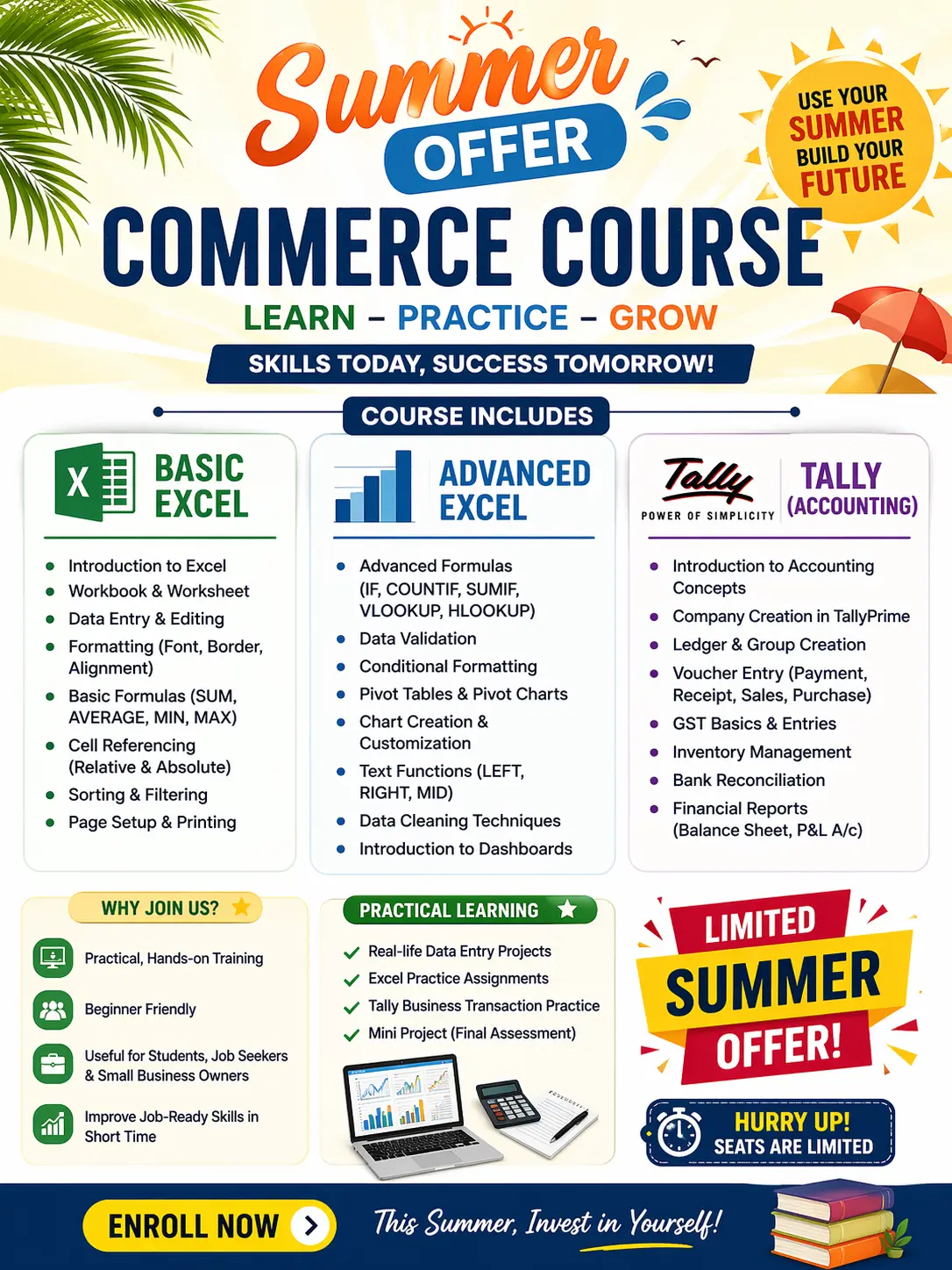
Tally Prime is one of the most popular accounting and business management software solutions used by companies to handle financial accounting, inventory control, taxation compliance (including GST), payroll processing, reporting, and data management. The Tally Prime course teaches you how to use this software practically and efficiently to perform real-world business tasks — from setting up company accounts to generating financial reports and managing statutory compliance.
Course Goals
- Build solid understanding of accounting principles and how they apply in Tally Prime.
- Enable learners to set up and manage company data, ledgers, vouchers, and inventory.
- Teach GST, TDS, bank reconciliation, payroll, and financial reporting features.
- Prepare students for roles in accounting, bookkeeping, finance executive, and office administration.
Who Should Enroll
Students of commerce, job seekers, entrepreneurs, business owners, and working professionals who want practical skills in accounting software and office automation tools.
Show More
Course Syllabus
📚 Tally Prime – Typical Course Content & Modules
1. Introduction & Basics
- What is Tally Prime and its scope in business.
- Installation, setup, and launching the application.
- Navigating the interface and menus.
- Company creation, alteration, selection, shutting/company features.
2. Accounting Fundamentals
- Basic accounting concepts (Debit, Credit, Types of Accounts, Golden Rules) — fundamentals that support accurate data entry.
- Creating accounting masters:
- Ledger creation (single & multiple).
- Group creation and chart of accounts.
3. Voucher Entry & Transactions
- Understanding types of vouchers:
- • Contra, Payment, Receipt
- • Journal
- • Sales & Purchase
- • Debit & Credit Notes
- How to enter and edit transactions.
4. Inventory Management
- Inventory setup: stock groups, categories, units of measurement.
- Stock items and location management (godowns).
- Recording inventory transactions and viewing stock summary.
5. Taxation & GST Compliance
- Enabling and configuring GST in Tally Prime.
- Recording GST-related transactions (CGST/SGST/IGST).
- Tax reporting and basic compliance tracking (returns & reports).
6. Advanced Accounting Features
- Cost centers and cost categories for departmental accounting.
- Multi-currency transactions (if applicable).
- Bank reconciliation and printing of vouchers/cheques.
7. Payroll & Employee Management
(If included in the course)
- Enabling payroll in Tally Prime.
- Creating employee masters, salary processing.
- Provident Fund (PF) and ESI calculations.
8. Reporting & Financial Analysis
- Trial Balance, Profit & Loss account, Balance Sheet.
- Cash flow statements, ratio analysis, and MIS reporting.
- Exporting data to Excel or other formats.
9. Data Management & Security
- Backup and restore procedures for company data.
- Security controls (user roles, passwords, Tally Vault).
- Split company data and data import/export.
10. Practical Case Studies & Projects
- Real-world accounting scenarios like service, trading, and manufacturing company setups.
End-to-end workflow: from setup to final accounts and reporting.

 Bestseller